Essential Keyboard Controls
| Action | Default key |
|---|---|
| Open chat | Enter |
| Interact / pick up | F |
| Recall | G |
| Quickswap Main Hand | Q |
| Sheathe weapon | Z |
| Sit | X |
| Stats / Skills / Items / Quests | P / K / I / L |
| Who menu | O |
| Tab menu | Tab |
| PvP flag toggle | V |
| Host console or pause | Backtick / tilde |
The November 2025 Controlla update added full X-input gamepad navigation for almost all menus and prompts.
Chat
Press Enter to focus the chat box. Current multiplayer uses a Zone channel for players in the same map instance. Hosts can enable streamer mode to disable chat and can use host-console moderation commands.
Parties and Dungeons
Online lobbies support up to 16 players. Invite players from the Who menu with O. Dungeon parties support up to four players; the leader initiates the instance and other party members enter the same dungeon pattern.
PvP
PvP only works where the current map permits it. Use the configured PvP flag toggle (default V) or enable automatic flagging in settings. Sanctum Arena and Executioner's Tomb are multiplayer arena zones; they do not appear in singleplayer.
Minimap
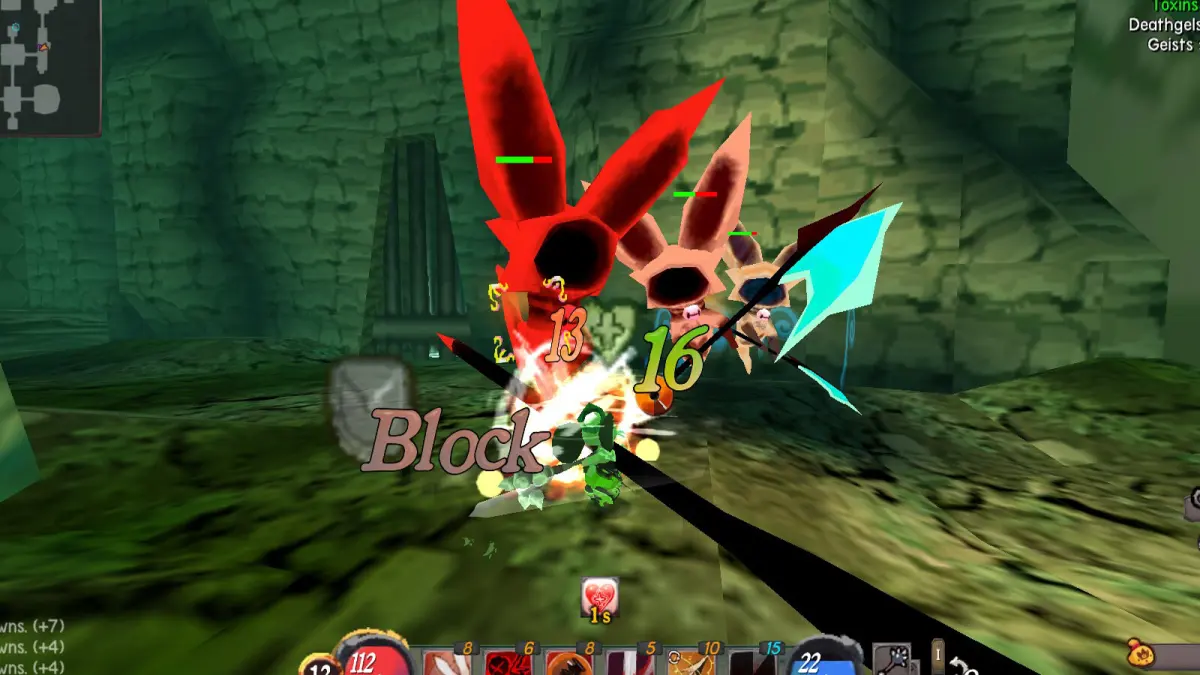
The top-left minimap shows the player as orange, NPCs as green, regular enemies as purple, elites as yellow/gold and portals as rings. Most locations do not have a separate full-screen map.
Respec and Class Choices
Tome of Unlearning refunds Skill Points and Tome of Naivety refunds Attribute Points. Core class and subclass choices remain permanent through supported gameplay.