The old Lexicon tool is deprecated. It was removed in version 72025.a3, and the later interface update removed its obsolete keybinding. Current lore tablets use the normal Interact input instead of a separate T-key Lexicon screen.
How Lore Tablets Work Now
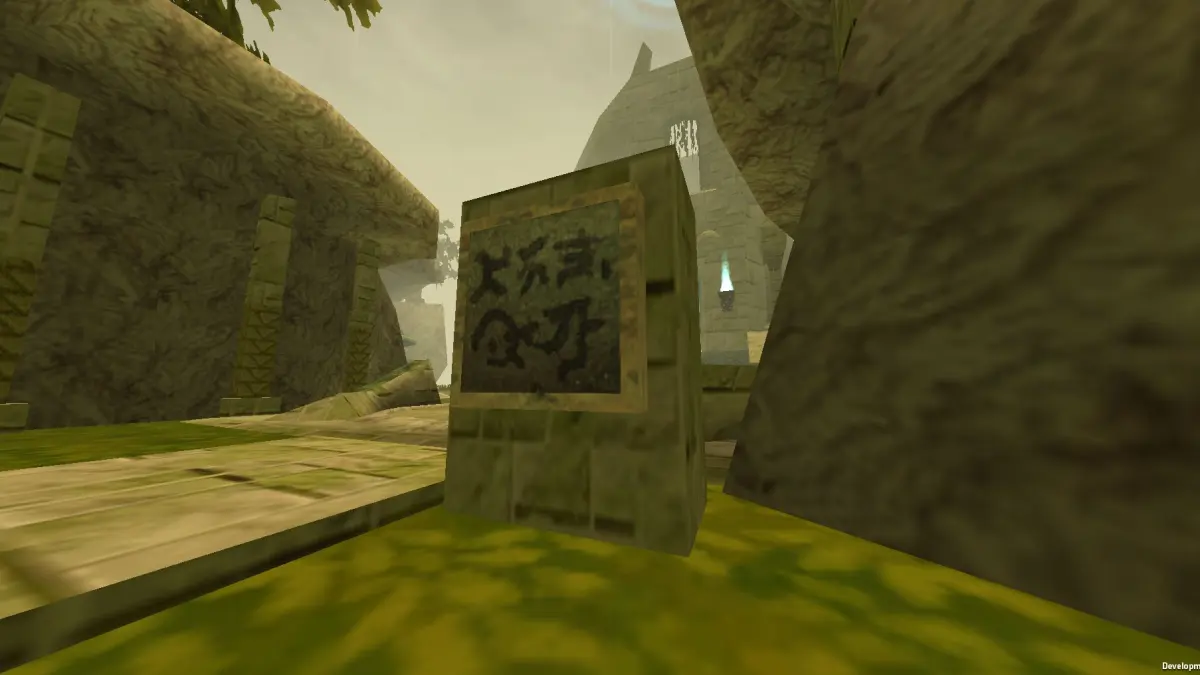
- Approach a readable tablet or sign in locations such as Sanctum or the Sanctum Catacombs.
- Look for the normal interaction prompt.
- Press your configured Interact key, F by default.
- Read and close the dialogue like any other sign or NPC text.
If an older guide tells you to wait for a Lexicon icon and press T, it describes a pre-72025.a3 build. There is no collection menu that must be unlocked in the current stable version.
Where to Start Reading
- Southern Sanctum entrance: introduces the idea of fallen souls receiving another chance.
- Sanctum tower library: contains entries about ATLYSS, the Shattering, the Sky Whale and early Mystic studies.
- Sanctum Catacombs entrances: explain the tomb and the souls confined within it.
These tablets provide world-building rather than quest progression. Missing one does not lock a class, achievement or main quest.
Troubleshooting
- No prompt appears: move closer, face the tablet and verify the Interact binding.
- T does nothing: expected in current versions; use Interact instead.
- An old video shows a glowing tool: it was recorded before the Lexicon rework.
- A UI mod hides dialogue: reproduce the issue in a clean vanilla profile.