ATLYSS stores character profiles as local files inside the game installation and synchronizes that folder through Steam Cloud. Editing is possible, but a bad value or a Cloud conflict can corrupt a character. Use the in-game reset items whenever they solve your problem.
ATLYSS Save File Location
In Steam, right-click ATLYSS → Manage → Browse local files, then open:
ATLYSS_Data / profileCollections
Steam's Cloud configuration synchronizes everything recursively inside this folder. Typical character files are named atl_characterProfile_0, atl_characterProfile_1 and so on, with matching backup files ending in _bak.
Make a Safe Backup First
- Close ATLYSS completely.
- In Steam, temporarily disable Cloud synchronization for ATLYSS if you are repairing or replacing files.
- Copy the entire profileCollections folder to a new dated folder outside the game directory.
- Keep both the main files and their _bak counterparts.
- Make only one change at a time and launch the game offline to verify it.
The Dediscovery update's official notes also advised backing up this folder before major save migrations.
In-Game Respec Options
| Goal | Safe in-game method | Effect |
|---|---|---|
| Reset Skill Points | Tome of Unlearning | Refunds spent Skill Points; use in a Safe Zone |
| Reset Attribute Points | Tome of Naivety | Refunds spent Attribute Points |
| Change primary class | None after using a Class Tome | Fighter, Mystic and Bandit choices are intended to be permanent |
| Change subclass | None after using a subclass tome | Current subclass choice is intended to be permanent |
Sally's Nook and Craig's Bazaar sell Tome of Unlearning for 1,200 Crowns. Prefer these supported items over editing whenever possible.
Using a Community Save Editor
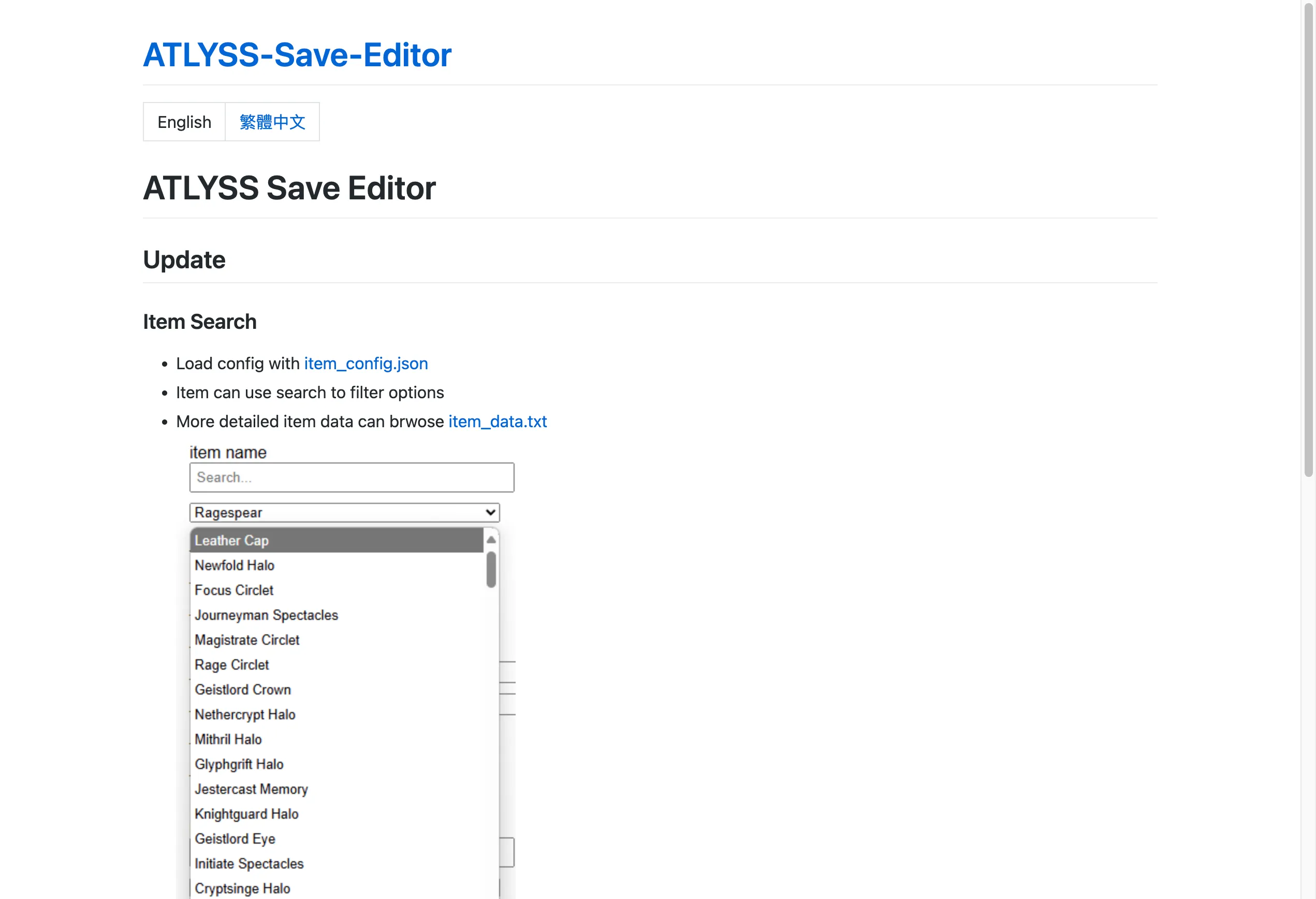
JingShing's open-source ATLYSS Save Editor is a community-made browser tool, not an official Kiseff or KisSoft utility. You can download atlyss_save_editor.html from the repository or open the author's hosted browser version; processing is documented as local to your browser.
The repository currently documents item-data compatibility through 72025.a3, while the current stable game series is newer. Treat item IDs and configuration data as potentially outdated, review the repository's issues, and do not assume every field is safe for a current save.
Safe workflow:
- Download only from the author's GitHub repository, not a re-upload site.
- Inspect the release date and issues for compatibility with the current ATLYSS version.
- Back up the full folder.
- Keep the editor local; do not upload saves containing personal or multiplayer information to unknown services.
- Test the edited character in singleplayer first.
Manual Editing Risks
Profile files are readable structured data, but fields can change between Early Access updates. Do not paste old item IDs, grant impossible quest items, or set values outside normal game limits. Main and _bak files can also overwrite one another if they disagree.
Avoid using edited characters to gain an advantage in public multiplayer. Item spawning and invalid progression can disrupt other players and may make support or recovery harder.
Steam Cloud Conflict Recovery
- Close the game before copying files.
- Decide which copy is newest before re-enabling Cloud.
- Preserve both the local folder and the downloaded Cloud version until the character loads correctly.
- If Steam restores an unwanted edit, disable Cloud, restore the known-good full folder, launch once, exit cleanly, then re-enable Cloud and choose the correct local files when prompted.
Common Questions
Can I reset my class normally?
No. Primary classes and current subclasses are designed as permanent choices. Create another character if you want a fully supported alternative build. Manual save changes are unsupported and can break progression.
Does ATLYSS support Steam Cloud?
Yes. Steam is configured to synchronize the full ATLYSS_Data/profileCollections folder, with a quota large enough for multiple character and settings files.
Can I spawn items with a save editor?
Some community tools expose inventory data, but doing so can introduce outdated IDs, broken quest state or multiplayer imbalance. This guide does not provide item-spawn recipes.